Overview
Dental PMS is a private, login-only practice management system built for Shahriar’s Dental & Orthodontics, a dental and orthodontic chamber in Bangladesh. It replaces paper registers and spreadsheets with one system for running the chamber day to day:
- patient records and visit history
- prescriptions, with medicines and tests
- treatment billing, payments and dues
- daily expenses and accounts
- clinic inventory
- report generation and data backup
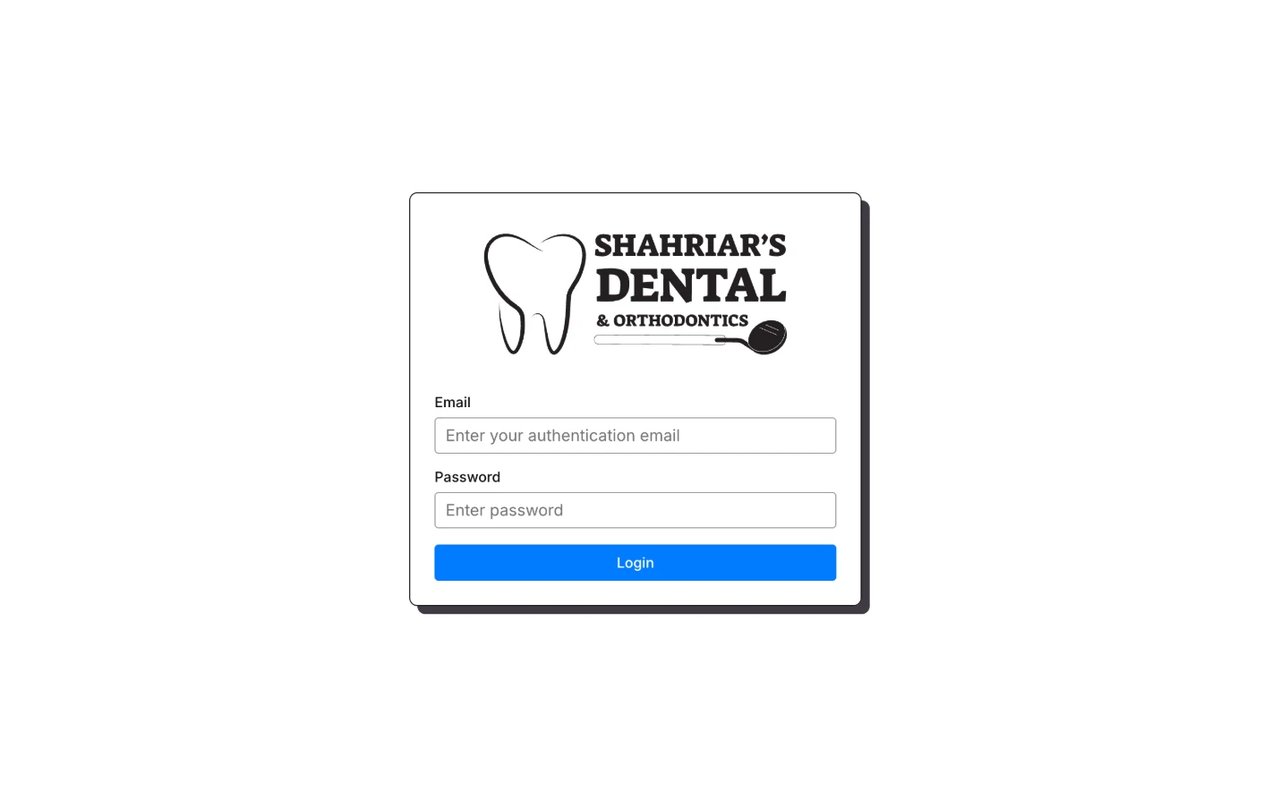
Because it holds patient and financial data, the system is closed to the public. Staff sign in with an authentication email and password, and nothing is visible before login.
The challenge
A busy chamber has a few problems that generic software doesn’t solve well:
- Treatment is paid in parts. Orthodontic and restorative work runs over many visits, so the chamber has to track the full bill, what has been paid and what is still due, per patient, across visits.
- The day has to balance. At closing, the doctor needs to know what came in and what went out today, without adding up receipts by hand.
- Clinical and business records live together. Prescriptions, tests, medicines and stock all relate to the same patients and the same chamber, so keeping them in separate tools means re-entering the same information.
- The data can’t be lost. Patient history and accounts are the chamber’s most valuable records, so backup had to be built in, not an afterthought.
The solution
One sidebar for the whole chamber
Everything sits under a single Chamber menu: Overviews, Patients, Prescription, Accounts, Inventory and Data Backup. The sidebar collapses to give tables more room on smaller screens.
A daily overview that answers “how was today?”
The Overview page is built around the working day:
- Today’s patients in one table, with last visit, patient ID, bill, paid and due amounts, the treatment done, notes, and a status such as Incomplete for treatment still in progress. Paid and due amounts are colour-coded, so outstanding balances stand out.
- Today’s earning totalled under the table.
- A calendar for jumping to any other date to see that day’s patients, income and expenses.
- Add Expense, a three-field form (date, details, amount), with today’s expenses listed beside it and totalled as Today Expense.
Earnings and expenses for the same day sit side by side, so the doctor can close the day at a glance.
Patients, prescriptions, tests and medicines
Each patient has a record with an ID, their visits and their running bill. From a visit, the doctor writes a prescription that includes medicines and any tests to be done. Each visit’s treatment and payment are recorded against the patient, so the balance carries forward correctly over a long course of treatment.
Accounts, inventory and reports
Accounts brings together patient payments and chamber expenses. Inventory tracks the clinic’s materials and supplies. Report generation turns this data into reports, so nothing has to be compiled by hand. Data Backup keeps a safe copy of everything.
Design
The interface is deliberately plain and high-contrast: black outlines, solid offset shadows on cards, tab-style section labels and a single blue for primary actions. Tables and totals are easy to read at a glance during a busy clinic day. Green marks money received, red marks money due, and soft green and red bands hold the day’s earning and expense totals.
Key features
- Secure staff login. The system is private, with no public pages
- Daily overview: today’s patients, bills, payments, dues and treatment status
- Earnings and expenses per day, with a calendar to review any past date
- Patient management with IDs, visit history and running balances across visits
- Prescriptions with medicines and tests
- Accounts for income and expenses
- Clinic inventory
- Report generation
- Built-in data backup